Share a link, get found
Put your store link or QR code on your social accounts, business cards or flyers. When customers want to look again, they can go straight back to your store.
SUPATALKER STORE · YOUR OWN ONLINE STORE
Build your own store website and share the link or QR code with customers. They open it from LINE, Facebook Messenger or Instagram to browse, ask the AI customer service and order, while you manage products and orders in the admin console.
WHY IT WORKS
Customers don't need a new app or a new account just to shop. You manage products, customer service and orders in your own store.
Put your store link or QR code on your social accounts, business cards or flyers. When customers want to look again, they can go straight back to your store.
Customers open your store from the social apps they already use to browse, choose and order—no new account needed.
Write your product information in one language, and AI customer service answers customers in Traditional Chinese, Simplified Chinese, Japanese, Korean or English.
01 · Opening your store
Prepare your products, then put the store link in customers' hands—they can start shopping as soon as they open it.
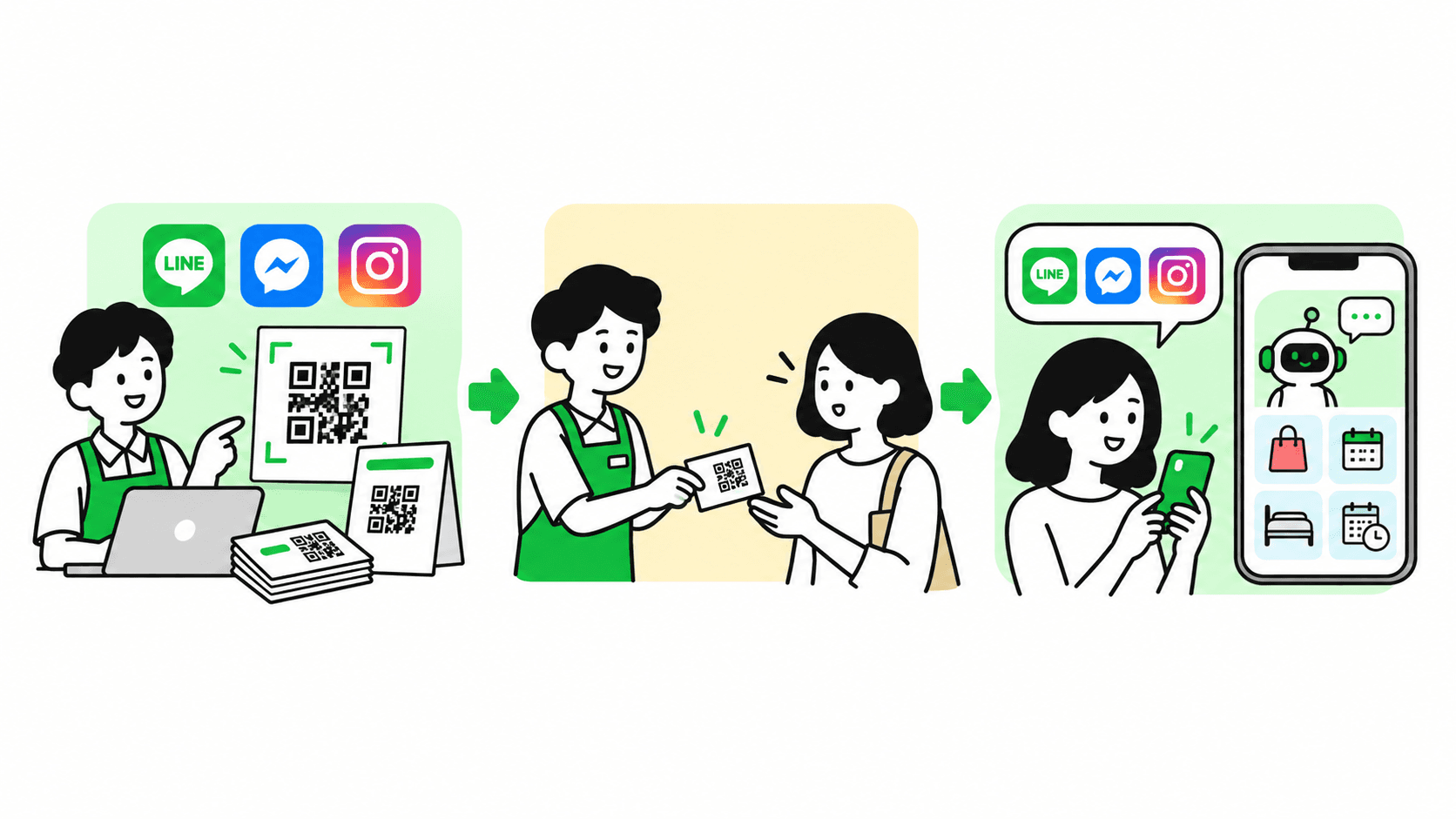
Set up store information, products and social accounts in the admin console, and prepare what customers will see.
Put the store link or QR code on your social accounts, business cards and flyers so customers can find it easily.
Customers open your store from a familiar app, choose products, ask the AI customer service and complete their purchase.
02 · Store features
Customers browse, ask questions and order inside familiar social apps; owners manage products, customers and orders in the admin console.
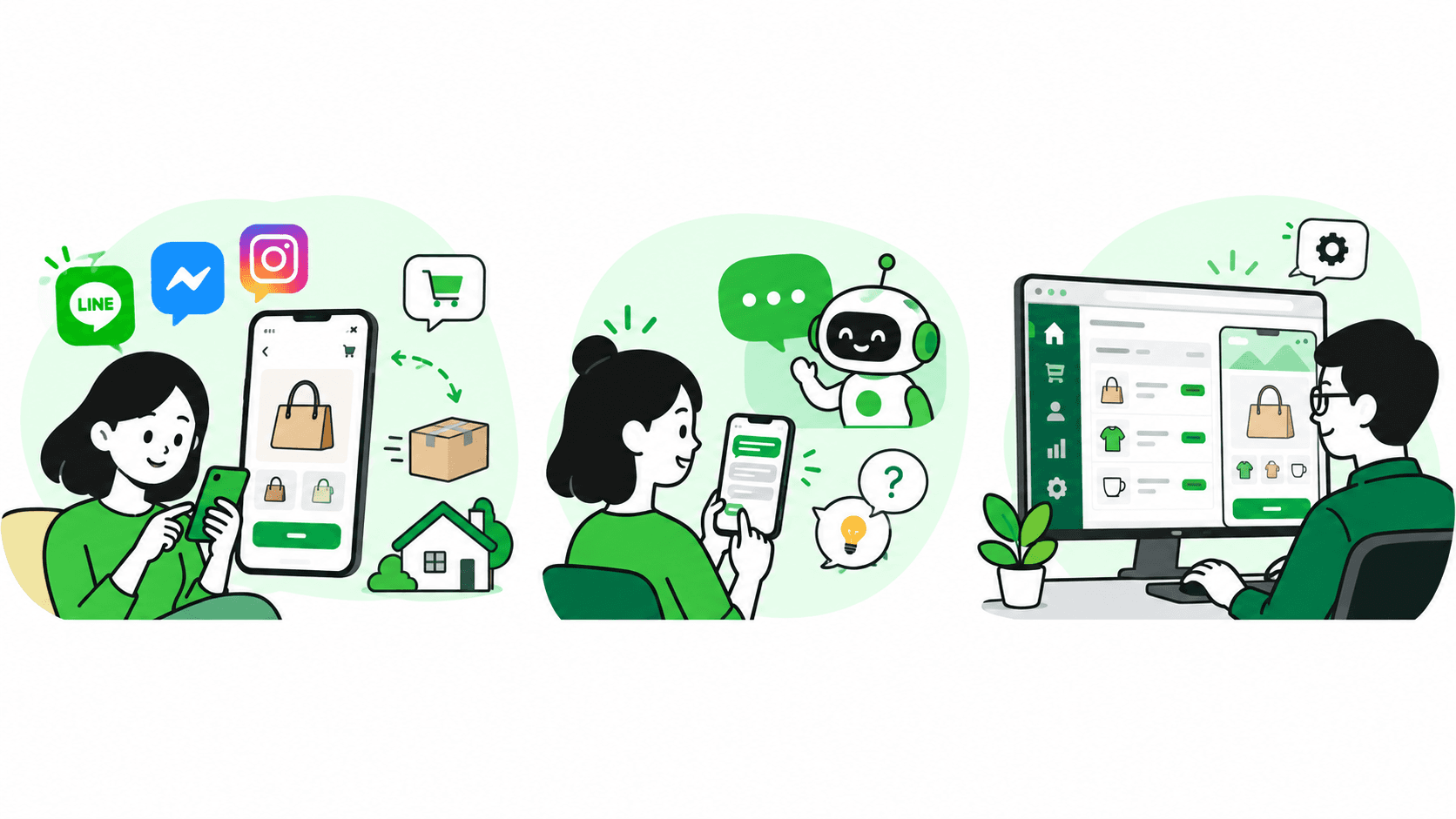
Customers open the store from LINE, Facebook Messenger or Instagram and use their existing social identity to browse, buy and pay.
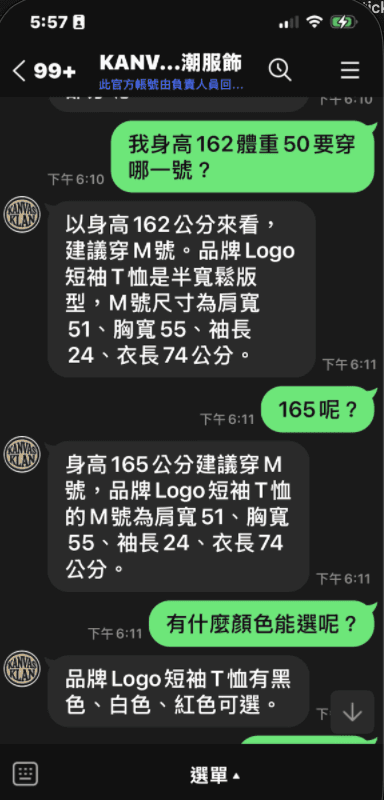
Customers who want to know about sizes, colors and more can ask right in their social chat, without looking for a support page.
Owners review chat history, customer details and orders in the admin console, and can edit store content with a live preview.
03 · Real screens
How customers shop, how owners edit and how the AI replies—see it in action.
After opening the store from a social app, customers can view products, pick options and add to cart, completing their purchase step by step.
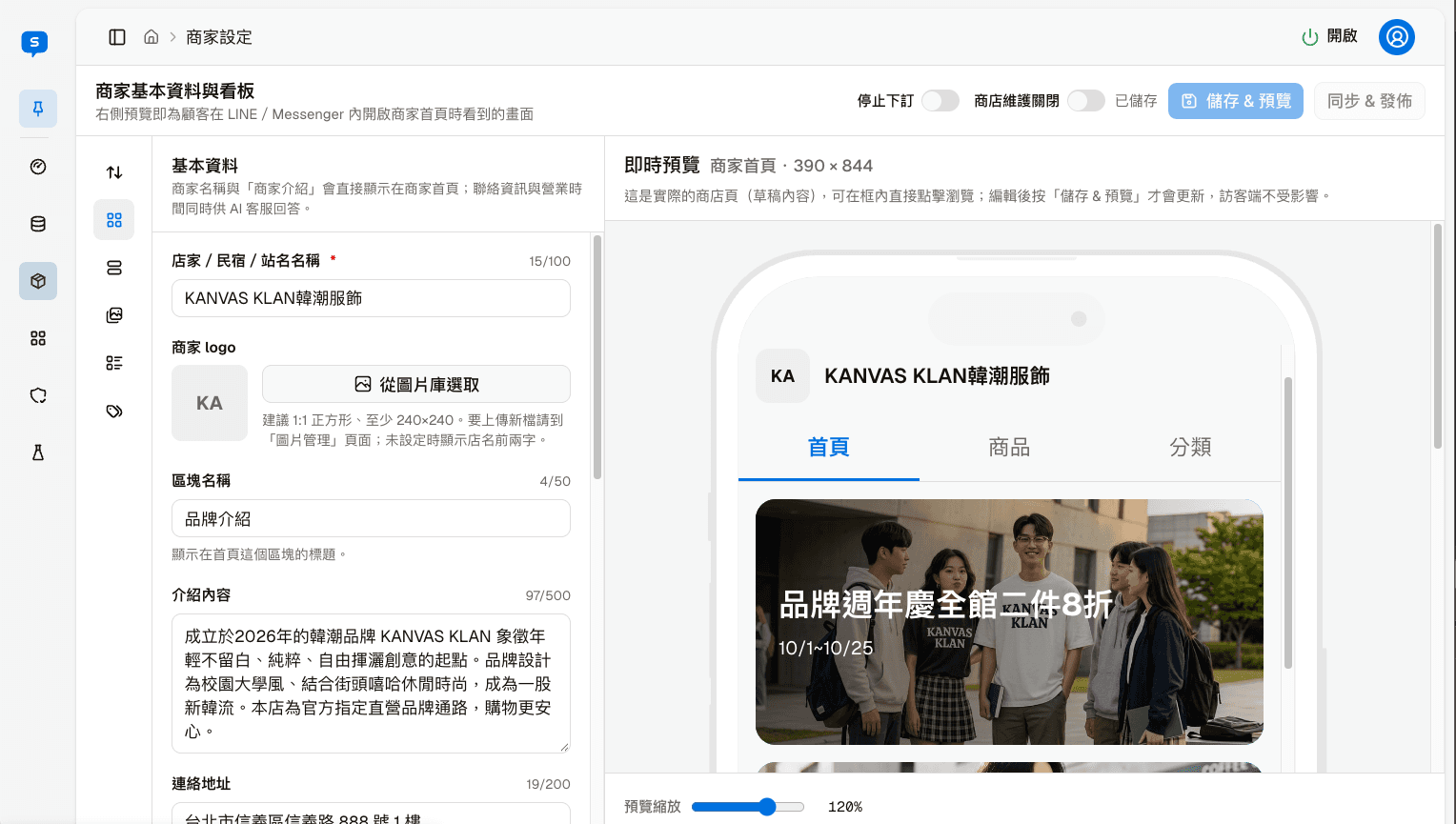
As owners adjust store information and products in the admin console, they can see exactly what customers will see on their phones.
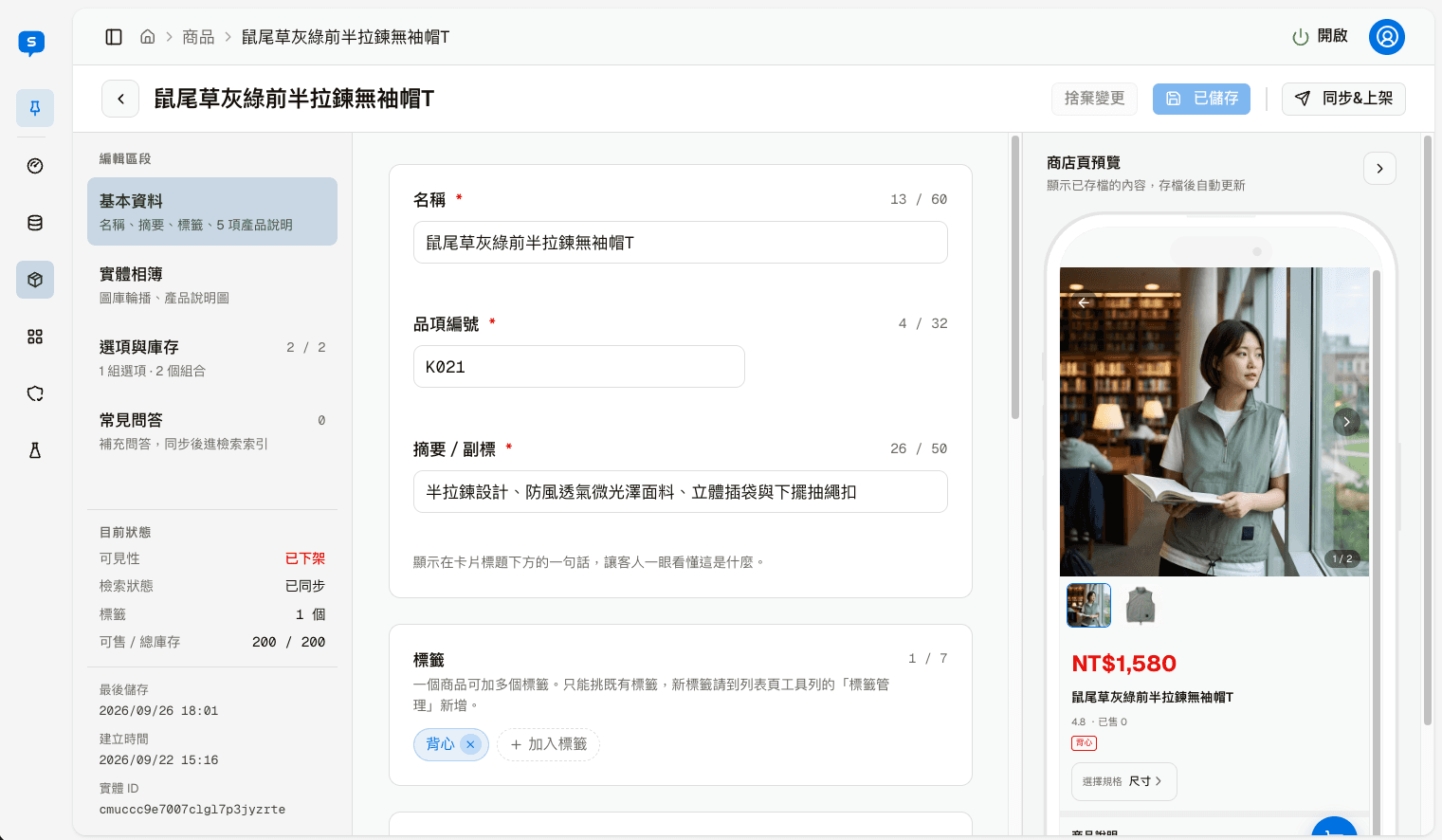
Customers ask about sizes, colors and more in familiar social chats; the AI answers using the information your store provides, cutting down on repetitive replies.
More store capabilities
The store interface supports multiple languages—and more importantly, AI customer service continues the conversation in whatever language the customer uses.
Write product and service information in one language, and AI customer service replies in Traditional Chinese, Simplified Chinese, Japanese, Korean or English.
With voice enabled, customers can send voice messages. STT converts them to text, and AI customer service takes it from there.
Pricing
Starter plan, per monthNT$690
No listing fees and no commission on sales. Customers can find you on LINE, Facebook Messenger, Instagram and the web; if you already have a website, you can add website chat directly.
Payment and shipping fees are charged by the providers you apply to yourself and are separate from this platform's service.
Book a store consultation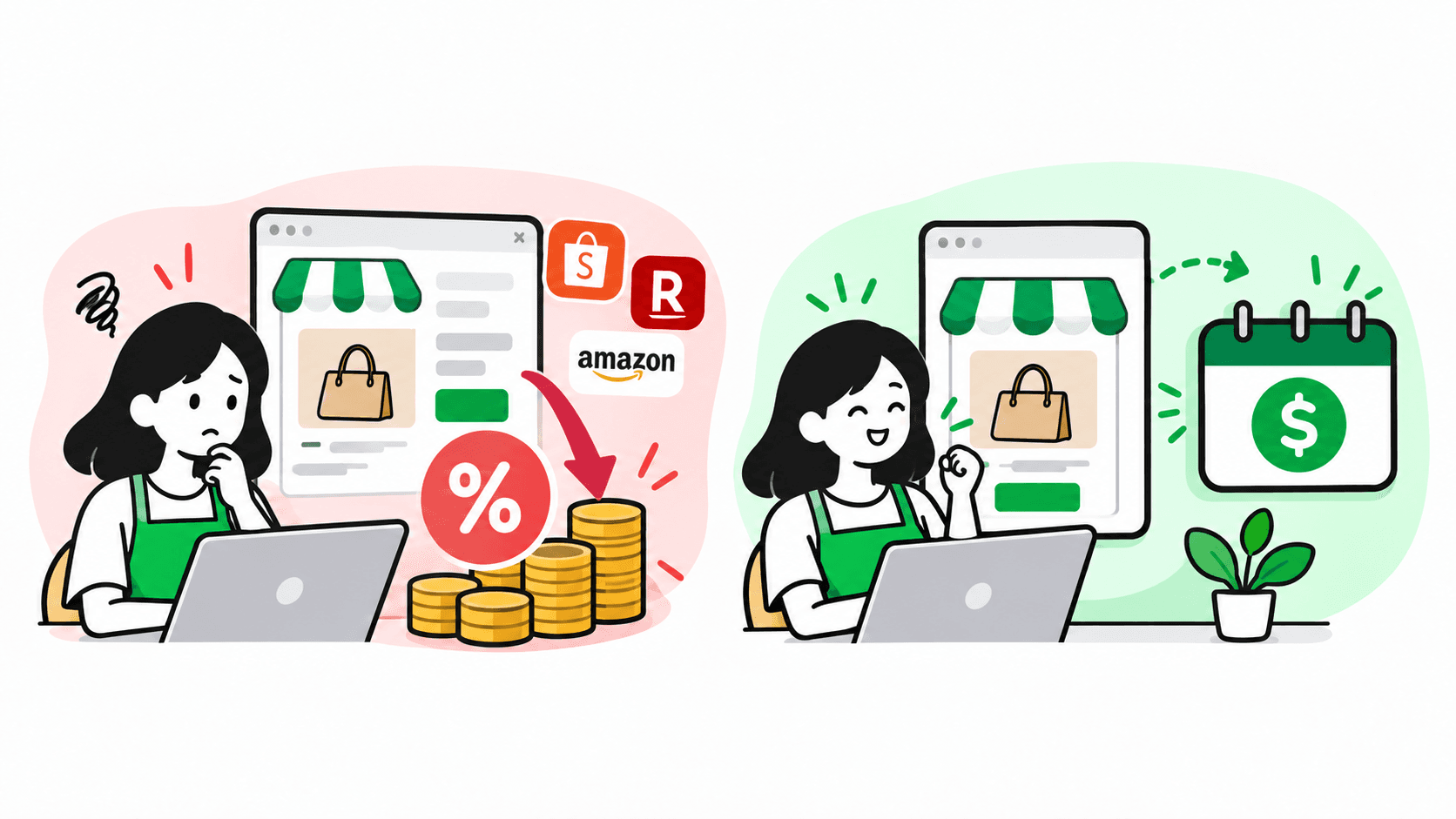
First see what each platform does best and its limits, then compare customer entry points, customer service and fees.
Swipe the table sideways →
| Item | SupaTalker Store | Shopping marketplacee.g. Shopee | Store-building platforme.g. SHOPLINE | LINE Shop Helper |
|---|---|---|---|---|
| Main strengths | AI customer service answers on four channels, plus your own store | Large marketplace audience with full payment, logistics and promotion tools | Brand website with rich membership, marketing, CRM and POS features | Sends LINE friends straight to your store; no setup or transaction fees |
| Things to note | Core features only; fewer advanced promotions and payment/logistics integrations | Sales and campaign fees, plus competition, can squeeze margins | Higher plan costs; exposure and support need your own staff | Tied to the LINE ecosystem; order notifications use message quota |
| Where customers come from | LINE, Messenger, Instagram and the web | Marketplace search, campaigns and shop pages | Brand website, ads and social links | LINE official account; the URL can also be shared |
| How questions get answered | AI answers from your store knowledge, in five languages and by voice | AI shop assistant rolling out to some sellers; in-app Chat only | Keyword auto-replies; AI knowledge base for agents | AI chatbot (β) picks replies from preset FAQs |
| Pricing | From NT$690/monthNo listing fees or commission | No monthly fee, charged per salePayment and campaign fees extra | Annual feePlus setup fee and revenue-based maintenance fee | Official account monthly feeRequires a tax ID and a medium/high usage plan |
| Best for | New or small merchants who sell through social chat | Merchants wanting marketplace buyers who can absorb sales and marketing fees | Merchants with the scale, budget and staff for a brand site | Merchants whose customers are mostly LINE friends, building regulars |
This table is for reference only. Please check each official website for detailed fees.
IS THIS FOR YOUR STORE?
If customers often find you on social media and ask about products, the Store edition brings product listings, conversations and orders together in one place.
Help customers in social apps find your own store
Let customers browse first, then ask the AI customer service for details
Review customers, chat history and orders in the admin console
Present your products and brand in your own store
Next step · Open your own store
See how customers shop and how owners manage, or book a time to talk about whether it fits your products.